01 / CAMPAIGN BUDGETS
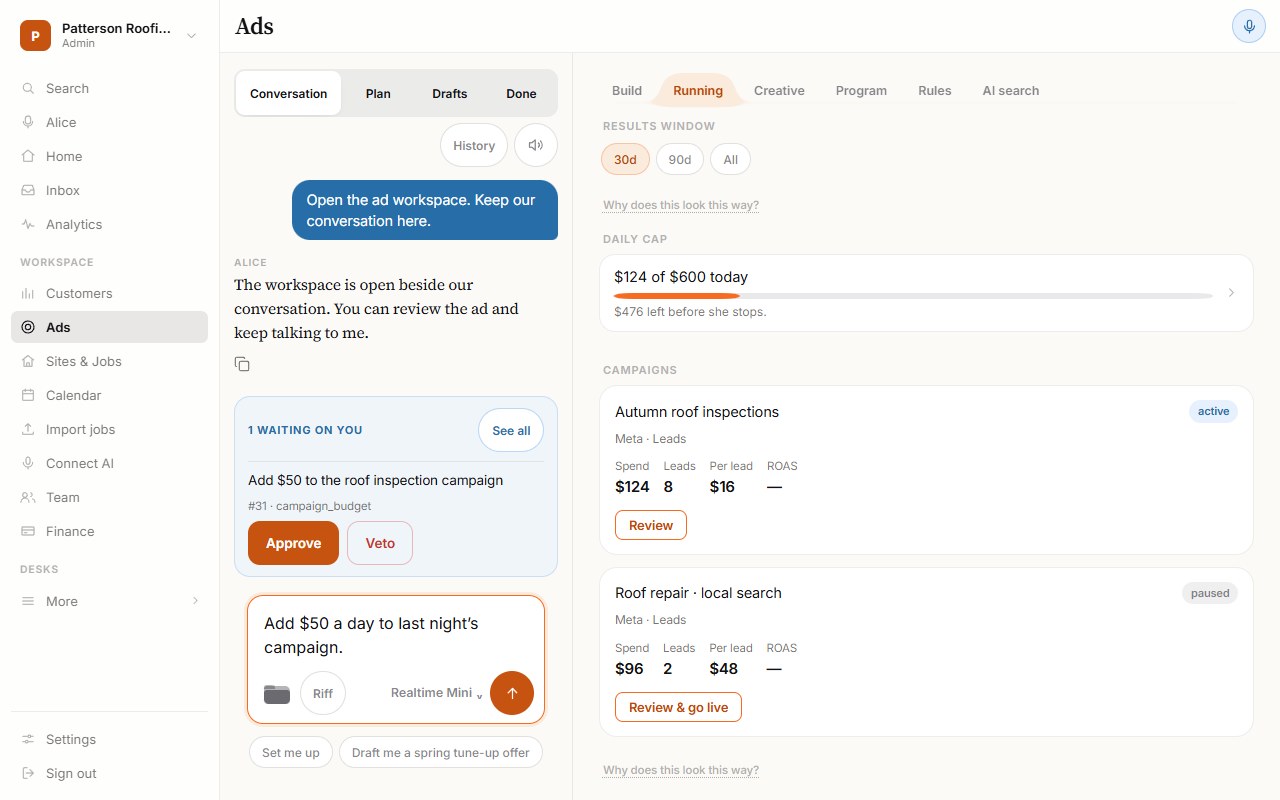
“Add $50 a day to last night’s campaign.”
Find the right campaign and review the proposed daily budget before approving a change.
Budget changes are checked against spending limits. If more than one campaign matches, choose the one you mean.
 Example workspace · Sample dataView full size ↗
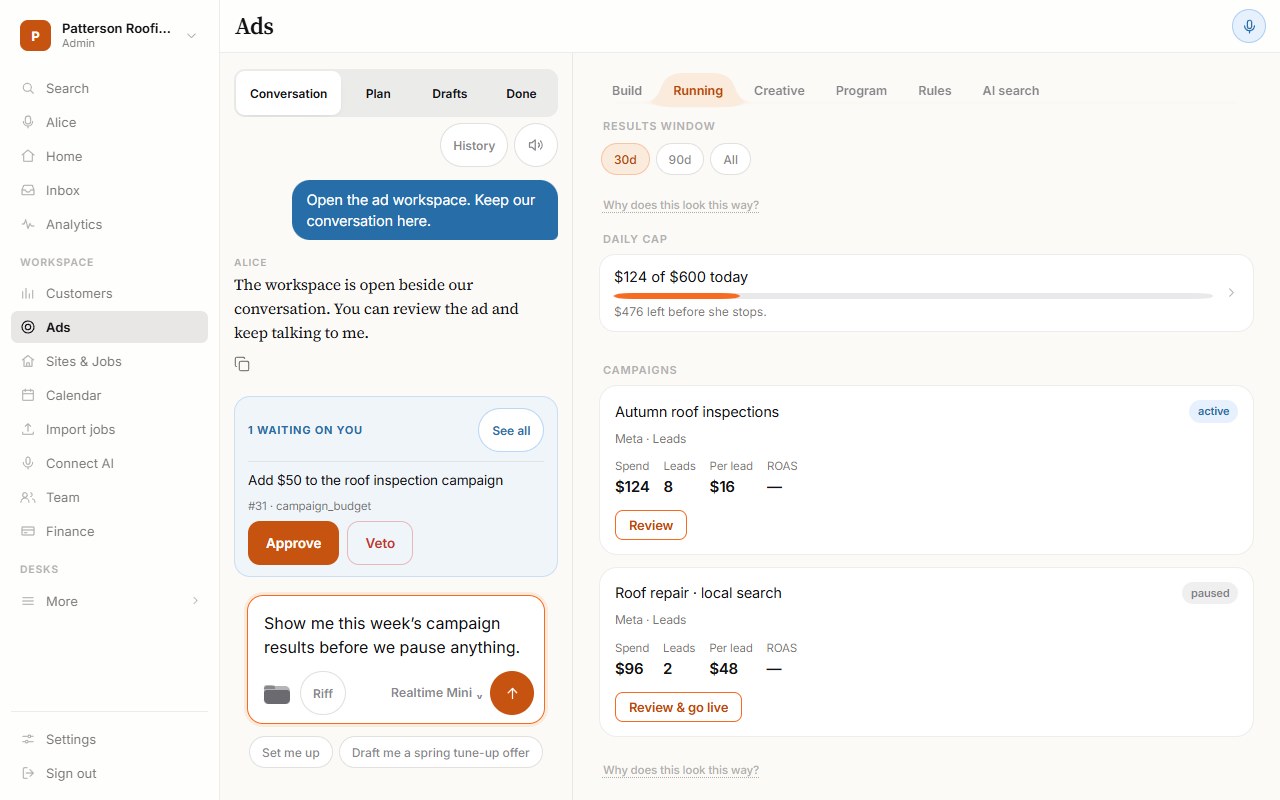
Review campaign results beside Alice’s conversation, then decide which Meta campaign to pause.
Alice needs enough return data to identify the campaign, or asks you to choose. These example results leave the return on ad spend unknown.
 Example workspace · Sample dataView full size ↗
03 / FOLLOW-UPS
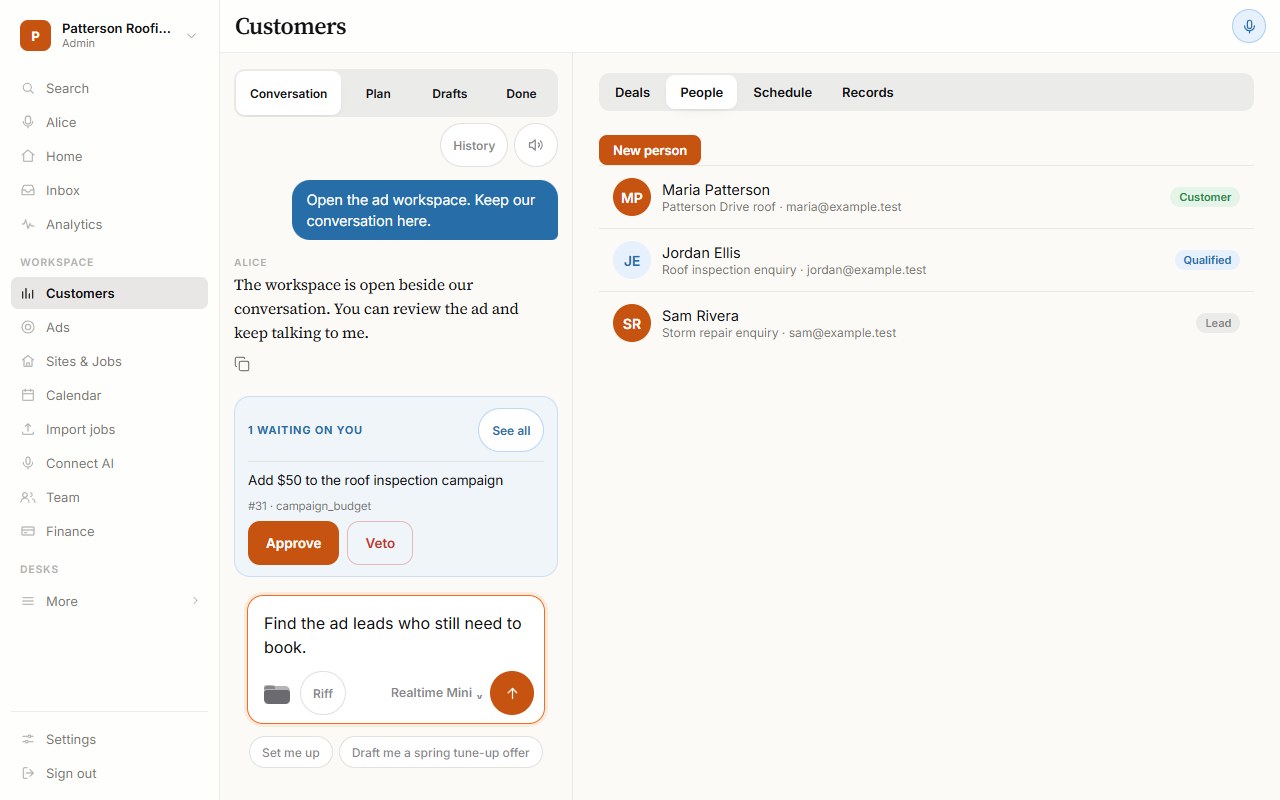
“Follow up with ad leads who never booked.”
Bring lead history, bookings and the next follow-up into one conversation. Review who should hear from you and what they’ll receive.
Customer contact still follows your permissions, consent requirements and sending limits.
 Example workspace · Sample dataView full size ↗
04 / CRM NOTES
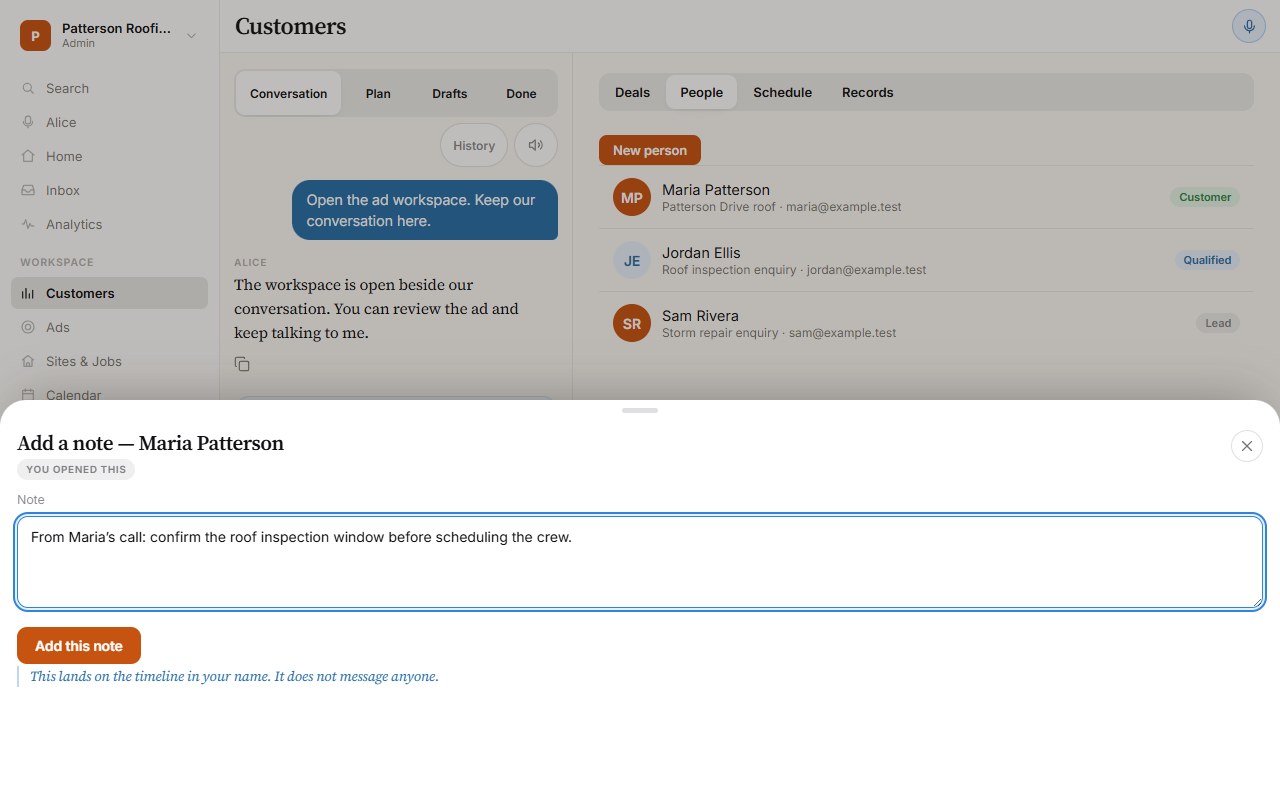
“Find what we promised Maria. Put it in her CRM.”
Recall what was recorded for a customer and turn it into a useful CRM note, with the customer record beside the conversation.
Review the note before saving, or use the standing permissions you’ve already granted.
 Example workspace · Sample dataView full size ↗
05 / SPENDING CONTROLS
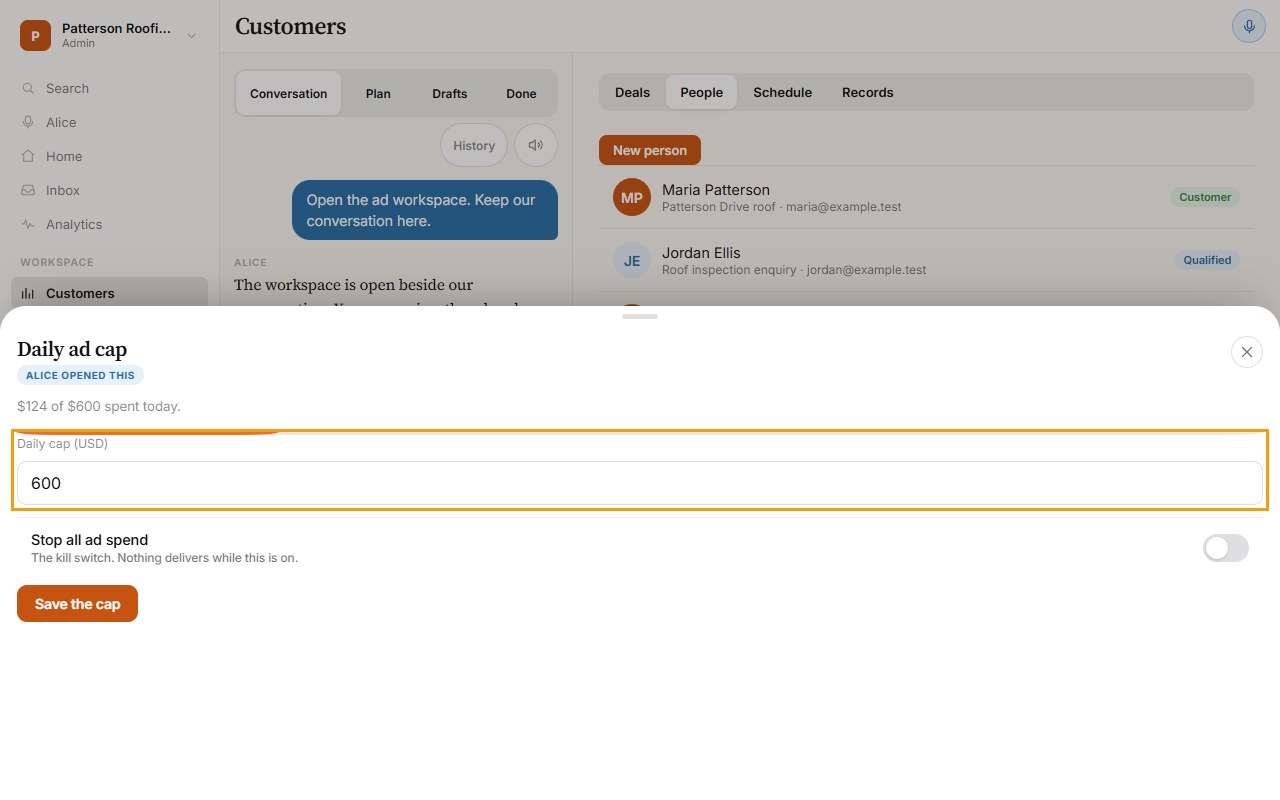
“Stop every ad and follow-up. Right now.”
This panel shows your daily ad cap and the control to stop new ad spend.
Confirm Alice’s reported result for a broader workspace stop. Actions already in progress may finish; messages already sent cannot be recalled.
 Example workspace · Sample dataView full size ↗